
Ever felt like the digital world is filled with sleek apps and sites that still leave you frustrated? You’re not alone. Many of us wonder why modern designs feel so… cold.
This article cuts through the clutter to spotlight UI UX design trends that truly shape our digital interactions. I’ve been tracking how core technologies like AI and spatial computing are driving this evolution. You might ask, why trust this guide above others?
Well, it’s grounded in real shifts, not passing fads.
We’re diving into the principles that will decide which digital products thrive or fade away. No fluff, just straight talk on what matters. Stick with me and you’ll get a clear view of the future of digital interaction.
Ready for a strategic look at what’s next?
From Dashboards to Drive: UI vs. UX
Let me be blunt: UI and UX aren’t the same, and it drives me nuts when people confuse them. Think of UI as the dashboard of your car. Sure, it looks good, but it’s not the whole story.
UX is the entire experience of driving, from how the car handles to the comfort of the seats.
Got it?
Now, let’s talk business. Consider a banking app. It might have sleek, clean buttons (that’s UI), but the real magic is in how secure and swift you feel when transferring money.
That’s UX in action. It’s what makes you come back for more.
Here’s the kicker: focusing just on UI misses the point entirely. The real game-changer in today’s world of UI UX design trends is creating an experience that’s smooth and satisfying. It’s not just about decorating the interface.
And let’s face it, the most exciting tech developments happen when we use technology to boost this overall experience. If you’re curious about securing these applications, you might want to learn more about it.
User-centric design isn’t just a trend; it’s a necessity. Ignore it at your own risk.
AI-Powered Personalization: The New Standard in UX
Artificial Intelligence is no longer lurking in the background. It’s now front and center, driving the personalized user experiences we crave. Ever noticed how a productivity app seems to know exactly what you need?
That’s Predictive UI at work. It adapts based on what you’re doing, the time of day, or even where you are. Imagine logging in during work hours and seeing only the project tools you need.
Then, in the evening, it switches to your personal to-do list. It’s like magic, right?
But it gets better. Enter Generative UI. This is where AI goes a step further by creating or suggesting interface elements in real-time.
It molds itself to fit your specific task or data. Need a chart for that report? Boom, there it is.
No more digging around for what you need.
Now let’s talk about reducing user friction. AI-driven automation is a game-changer here. It takes over the boring stuff like form-filling or data entry.
Suddenly, everything feels smooth. No more clunky processes that make you want to pull your hair out.
The ultimate goal? To make tech feel like an intelligent partner. One that knows what you need before you even ask.
Not some rigid tool you have to wrestle with. That’s what modern UI UX design trends are shooting for.
If you’re curious about where this is all heading, take a look at the 10 ux design shifts you cant ignore. It’s a wild ride, but isn’t that what makes it exciting?
Pro tip: Keep an eye on how interfaces evolve. They’re becoming more intuitive, and you don’t want to get left behind.
Immersive Realities: Designing Beyond the Flat Screen
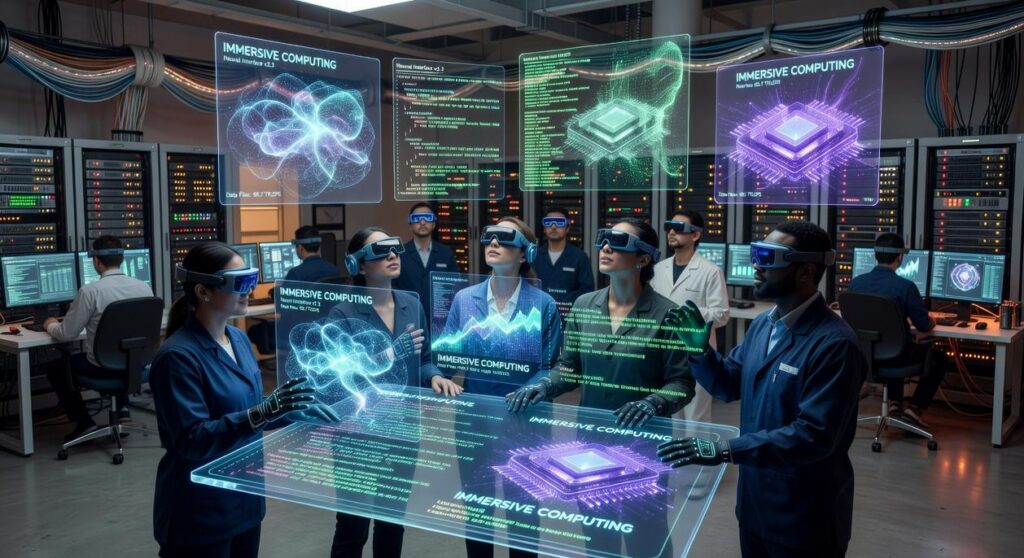
Welcome to the next frontier of interaction. We’re talking about Augmented Reality (AR) and Virtual Reality (VR). These aren’t just buzzwords.
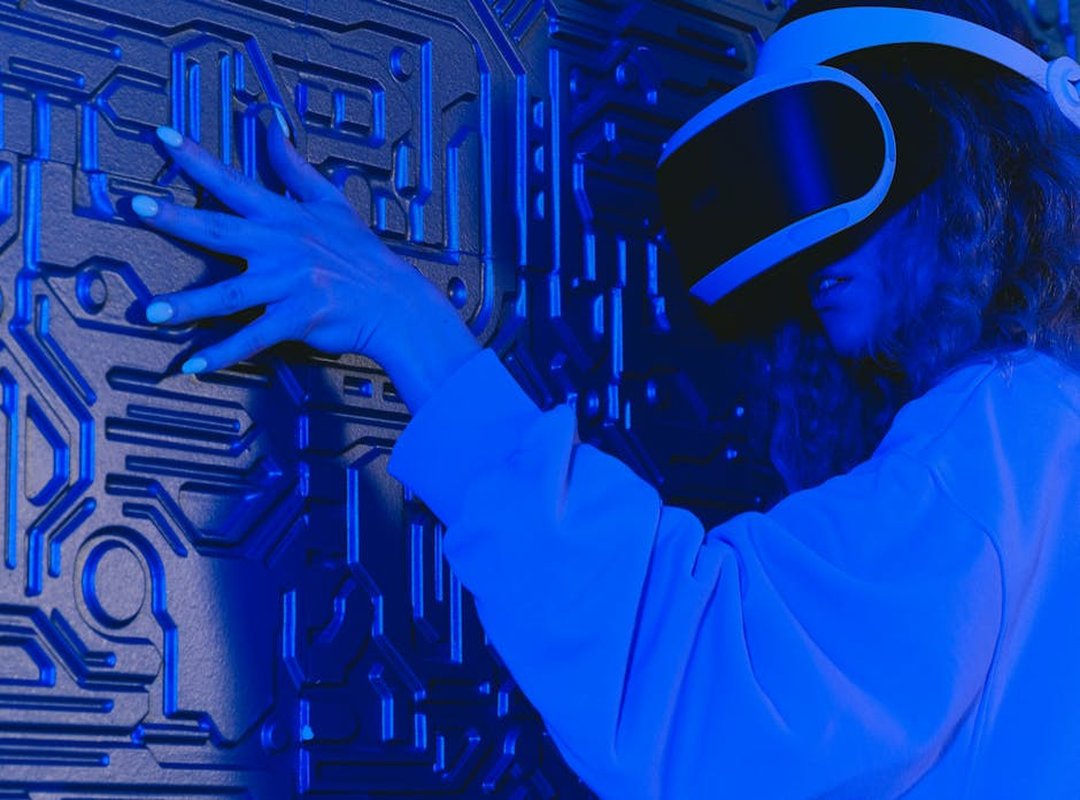
They’re reshaping how we experience digital spaces. But let’s get real. The leap from 2D screens to 3D environments is huge.
The primary design challenge? Moving from clicks and swipes to intuitive gestures and gaze control. It’s not as easy as it sounds.
Think about placing a menu in a 3D space. Tricky, right? Spatial UI is more than just art.
It’s about avoiding clutter and confusion. It’s about precision. You can’t have users spinning in circles, lost in a sea of floating icons.
And what about touch? Haptic feedback is a game-changer. It turns virtual interactions into something you can almost feel.
Imagine reaching out and actually “touching” a digital object. It’s key for making these interactions believable. Without it, something feels missing.
Like watching a 3D movie without the glasses.
User onboarding is another hurdle. How do you teach users to get through a whole new world? It’s like learning to ride a bike without training wheels.
You need to ease them in without overwhelming them. And that’s where smart design comes in.
Real-world applications are already here. Ever tried virtual product try-ons in e-commerce? Or maybe you’ve heard of collaborative 3D design sessions.
These are just the beginning.
Want more on integrating tech? Check out how to integrate AI mobile apps. It’s a brave new world out there, and UI UX design trends are just scratching the surface.
Hyper-Accessibility: Pushing UI/UX Boundaries
Design isn’t just about making things look good. It’s about making them work for everyone. I view accessibility as a cornerstone of truly great design.
It’s not some checkbox on a compliance list. It’s a design principle that’s redefining how we think about UI/UX design trends.
Let’s move beyond basic color contrast. Sure, it’s important, but there’s so much more to explore. Ever tried a Voice User Interface (VUI) on a smart speaker?
It’s a game-changer for screen-free interaction. Forget typing; you talk, and it listens. Digital assistants are becoming indispensable, especially for people who can’t or prefer not to use traditional screens.
Cognitive Accessibility is another hot topic. It’s about reducing mental load. Why does this matter?
Think about folks with anxiety or ADHD. They need designs that don’t overwhelm. Single-task focus, clear progress bars, plain language (these) are features that make life easier.
Not just for them, but for everyone. Who doesn’t appreciate clarity?
Designing for motor disabilities should also be at the forefront. Larger touch targets, alternative navigation methods (these) are not just nice-to-haves. They’re essentials.
Everyone’s been frustrated with tiny buttons at some point. Bigger targets make interaction smoother for all. It’s about empathy in design, creating a better experience for every user.
Here’s the kicker. Inclusive design isn’t just ethical. It’s smart business.
It widens your market. More users, more loyalty. You build a community around your brand.
Who doesn’t want that? It’s about making tech kinder, more forgiving. And yes, it builds significant brand loyalty.
So, if you’re into UI/UX design trends, think about accessibility. It’s not just a trend. It’s the future.
Design with a conscience. You’ll drive change but also be a part of something bigger. And isn’t that what design’s all about?
Craft Tomorrow’s Tech, Today
Outdated UI/UX principles are the enemy of real digital connection. Think about it: how many times have you struggled with clunky interfaces? The path forward is clear.
Embrace personalization, immersion, and hyper-accessibility. These are not just trends. They’re necessities that put people first in tech.
Ask yourself: is your digital plan aligned with these future-focused shifts? If not, it’s time to adapt. Your products deserve more than just survival; they should thrive.
Evaluate your approach to UI UX design trends today. Ready to transform your digital future? Start now and make sure your products truly connect.
 Norman Liaoctoreno is the kind of writer who genuinely cannot publish something without checking it twice. Maybe three times. They came to app development techniques through years of hands-on work rather than theory, which means the things they writes about — App Development Techniques, Emerging Tech Concepts and Trends, Machine Learning Insights, among other areas — are things they has actually tested, questioned, and revised opinions on more than once.
That shows in the work. Norman's pieces tend to go a level deeper than most. Not in a way that becomes unreadable, but in a way that makes you realize you'd been missing something important. They has a habit of finding the detail that everybody else glosses over and making it the center of the story — which sounds simple, but takes a rare combination of curiosity and patience to pull off consistently. The writing never feels rushed. It feels like someone who sat with the subject long enough to actually understand it.
Outside of specific topics, what Norman cares about most is whether the reader walks away with something useful. Not impressed. Not entertained. Useful. That's a harder bar to clear than it sounds, and they clears it more often than not — which is why readers tend to remember Norman's articles long after they've forgotten the headline.
Norman Liaoctoreno is the kind of writer who genuinely cannot publish something without checking it twice. Maybe three times. They came to app development techniques through years of hands-on work rather than theory, which means the things they writes about — App Development Techniques, Emerging Tech Concepts and Trends, Machine Learning Insights, among other areas — are things they has actually tested, questioned, and revised opinions on more than once.
That shows in the work. Norman's pieces tend to go a level deeper than most. Not in a way that becomes unreadable, but in a way that makes you realize you'd been missing something important. They has a habit of finding the detail that everybody else glosses over and making it the center of the story — which sounds simple, but takes a rare combination of curiosity and patience to pull off consistently. The writing never feels rushed. It feels like someone who sat with the subject long enough to actually understand it.
Outside of specific topics, what Norman cares about most is whether the reader walks away with something useful. Not impressed. Not entertained. Useful. That's a harder bar to clear than it sounds, and they clears it more often than not — which is why readers tend to remember Norman's articles long after they've forgotten the headline.